


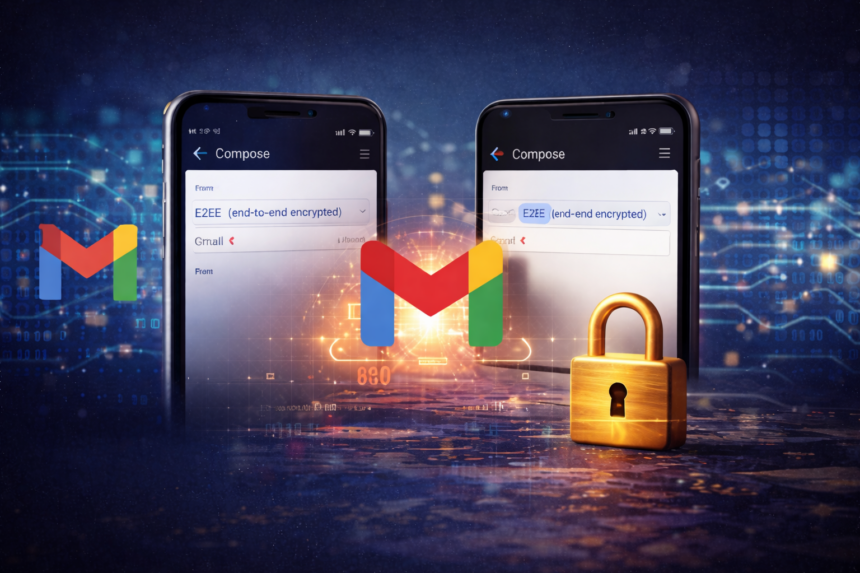
Google Locks the Mobile Inbox for Enterprise Users
Google recently took a massive leap in mobile security. The search giant officially launched client-side encryption (CSE) for its Gmail app on iOS and Android. This rollout followed a previous release for desktop users. It arrived as a response to the growing demand for data sovereignty in a mobile-first world.
The update focused on providing Workspace users with an extra layer of armor. Google designed this feature to ensure that sensitive information is unreadable to everyone except the sender and recipient. By moving the encryption keys to the user’s control, Google removed itself from the viewing chain. This move effectively addressed long-standing concerns regarding cloud privacy and unauthorized data access.
What’s Happening & Why This Matters
Securing the Mobile Workspace

Google delivers a powerful privacy tool to your pocket. The Gmail mobile app supports native end-to-end encryption for the first time. Users no longer need to rely on complex third-party portals or separate secure messaging apps. This integration makes high-level security accessible through a familiar interface. The system utilizes Google Workspace infrastructure to facilitate the secure exchange. Only the people in the conversation hold the keys to unlock the messages. Even Google cannot see your content.
This level of protection is a primary selling point for apps like Signal and WhatsApp. Now, Gmail joins that elite rank for professional users. Data protection stands at the center of this update. Organizations often handle trade secrets or sensitive medical records. A standard email might leave a digital trail on various servers. Client-side encryption eliminates that risk by scrambling the data before it ever leaves the device. It keeps your business truly your business.
Technical Barriers and Admin Control

Administrators currently hold the keys to this kingdom. They must enable the feature through the Admin console settings. Users specifically need an Enterprise Plus or Education Plus account to qualify. Additionally, the Assured Controls add-on must be active. This ensures that only authorized entities use the advanced encryption features. The process for sending a secure email is straightforward. A user opens the Gmail app and starts a new message.
They tap the lock icon located in the compose window. The app then prompts them to toggle on the “Additional encryption” setting. This simple action wraps the email in a protective digital envelope. Interoperability is a major highlight of this release. Gmail users send encrypted messages to people using other providers. You can reach out to a colleague on Microsoft Outlook without losing the encryption. This flexibility encourages wider adoption of security standards across different corporate ecosystems.
Metadata Limits and Privacy Risks
However, there are technical boundaries to keep in mind. The encryption protects the email body and any attached files. It does not hide the subject line or the metadata. Hackers might still see who you are emailing. They just cannot see what you are saying. This distinction helps users understand the specific limits of their digital privacy. Industry experts praise the move toward mobile-centric security. Providing the tools on mobile is no longer optional.
Many employees work exclusively from their phones. Bringing CSE to Android and iOS ensures that security policies follow the worker wherever they go. It closes a significant gap in the modern enterprise defense strategy. Cost is a factor for smaller businesses. The required Enterprise Plus subscriptions often start around $30 (€28) per user. This pricing model keeps the most advanced privacy features behind a paywall. For many, the peace of mind is worth the investment.
Compliance and Global Regulations

The rollout also reflects a shift in global regulation. Governments increasingly demand that tech firms protect user data from foreign interference. By offering client-side encryption, Google helps companies comply with local laws. It provides a technical solution to complex legal challenges regarding data residency. Users must remember that the Super Admin maintains some control.
While Google cannot read the mail, the organization’s IT department manages the encryption keys. This allows for internal audits or legal discoveries when necessary. It balances individual privacy rights with corporate accountability and safety. We see a move toward enhanced transparency in how Big Tech handles government requests. This tool ensures that even if a server is seized, the data is unreadable. It is a win for enterprise security and a hurdle for unwanted surveillance.
TF Summary: What’s Next
Google continues to expand its Workspace security suite to meet modern threats. We expect the company to simplify the setup process for IT managers in the coming months. They might also introduce more automated ways to trigger encryption based on the sensitivity of the email content. The focus will eventually shift toward accessibility.
While this is currently an enterprise-only feature, the demand from regular consumers is rising. Google may explore a “lite” version of E2EE for personal accounts to compete with privacy-first rivals. This would represent a fundamental change in how the world uses the most popular email service.
— Text-to-Speech (TTS) provided by gspeech | TechFyle